
High-quality photos and videos are no longer out of reach. They’re already in your hands. Today most of us carry a powerful camera in our pockets everywhere we go, creating new opportunities for smartphone content creation and everyday storytelling.
If you’ve ever searched for how to take a professional photo with your phone or ways to improve your social media content, you’re not alone. Whether you’re curious about how to grow your Instagram following, looking for TikTok content creation tips or exploring video marketing for small business, social media content creation doesn’t have to be complicated. With just a few DIY tricks and a handful of affordable tools, you can start creating content that stops the scroll in no time.
Let’s break down what you need (and how to use it) in order to level up your content creation in a way that’s practical and easy.
Quick Takeaways: Tips for Content Creation
- Your phone is a powerful tool for content creation — no big budget required.
- Our content creation tips start with the basics: clean your lens, use natural light and frame your shots intentionally.
- Strong cell phone photography and video come down to lighting, composition and the right settings.
- A few affordable tools can elevate your visuals and audio quickly.
4 DIY Cell Phone Photography Tips to Improve Your Content
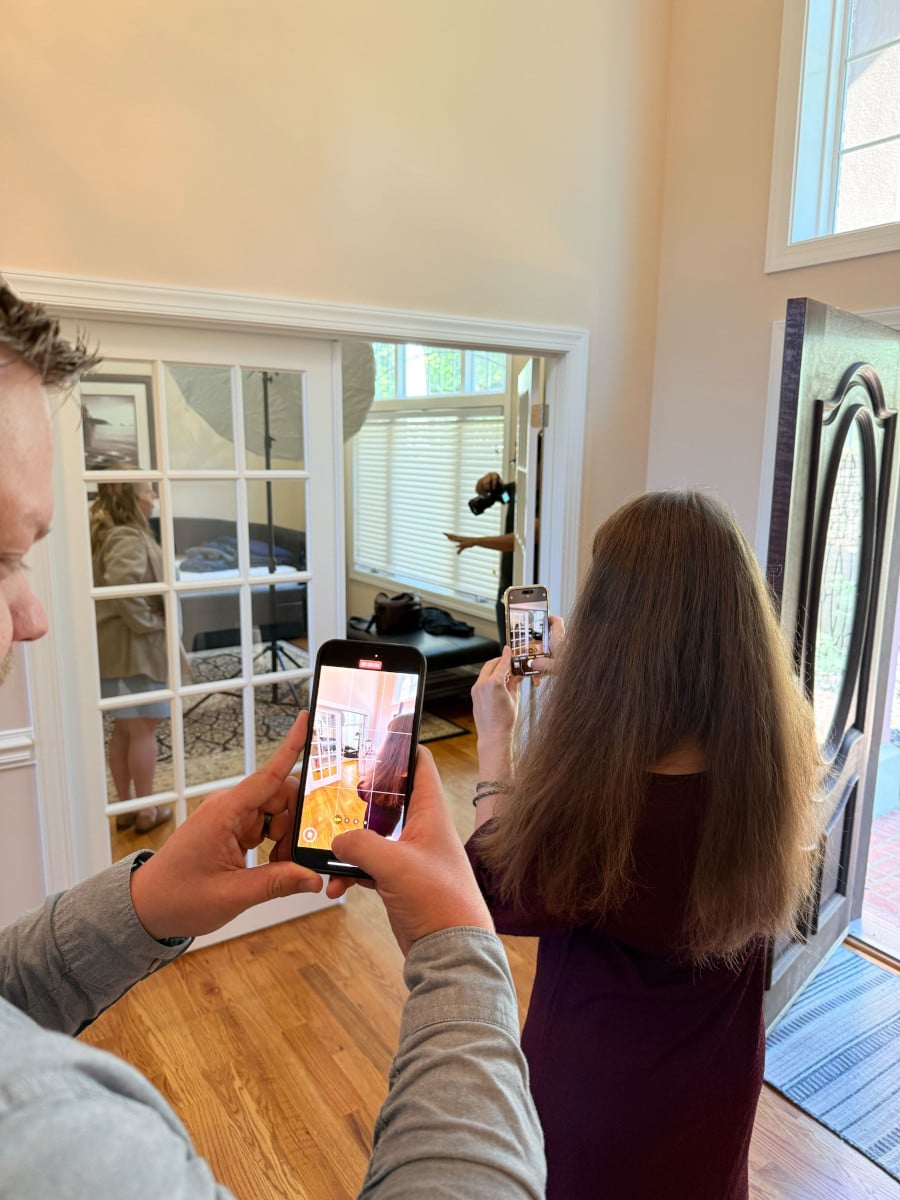
Before you start watching hundreds of YouTube gear reviews, start with what you already have. The camera in your pocket is powerful. Grasping the capabilities of your current setup along with a basic understanding of photo and video capture techniques will take you miles ahead of what additional gear will do on its own. Here are four content creation tips for cell phone videography and photography:
1. Clean your lens.
This is one of the simplest steps — and one of the easiest to forget! Fingerprints, dust or pocket lint can cover the lens and impact image quality, causing your content to become blurry or hazy. (This CAN be an artsy move from time to time, but should be used sparingly!) A quick wipe before shooting makes a huge difference.
2. Use natural light when possible.
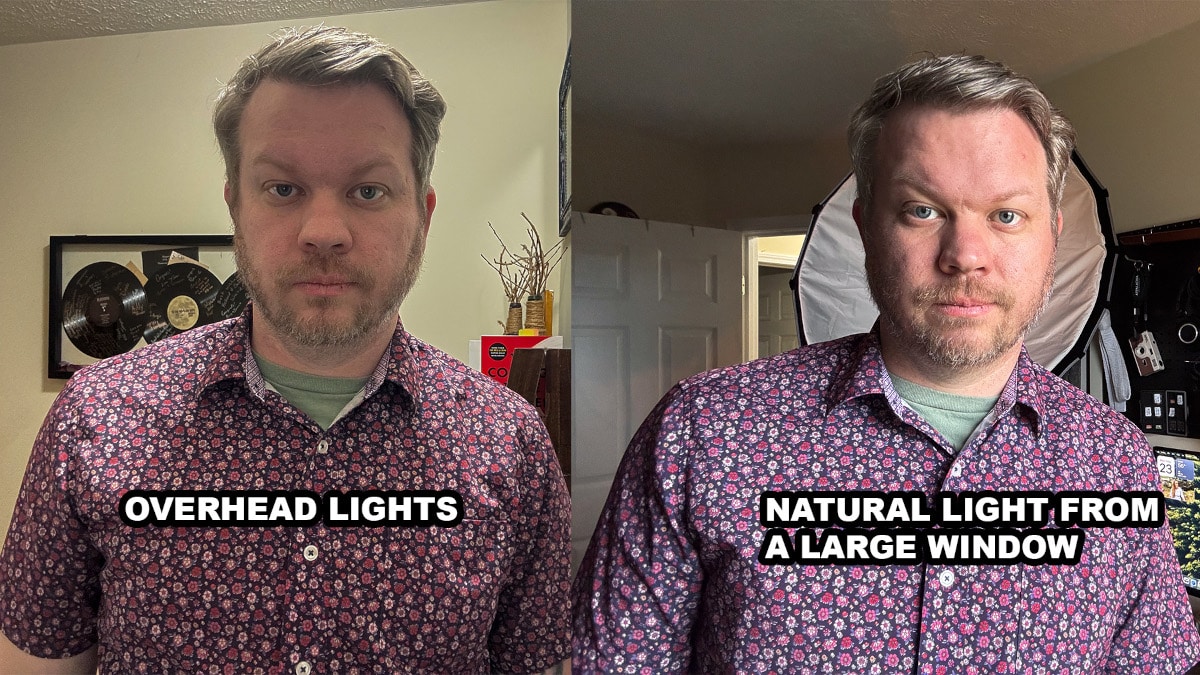
Lighting can make or break your content. Artificial lights introduce all kinds of colors (orange, green, blue), which can mix together and cause unflattering imagery. Always remember that the larger and more diffused the light source is, the better. Natural, diffused sunlight usually creates the most ideal lighting scenario.
3. Consider composition and framing.
Turn on your camera’s grid setting and use the photography rule of thirds to guide your framing. Frame your subject in the various thirds of the image until you get a look you like. Position your subject along the grid lines (or at their intersections) to create balanced, interesting compositions.

4. Max out your settings.
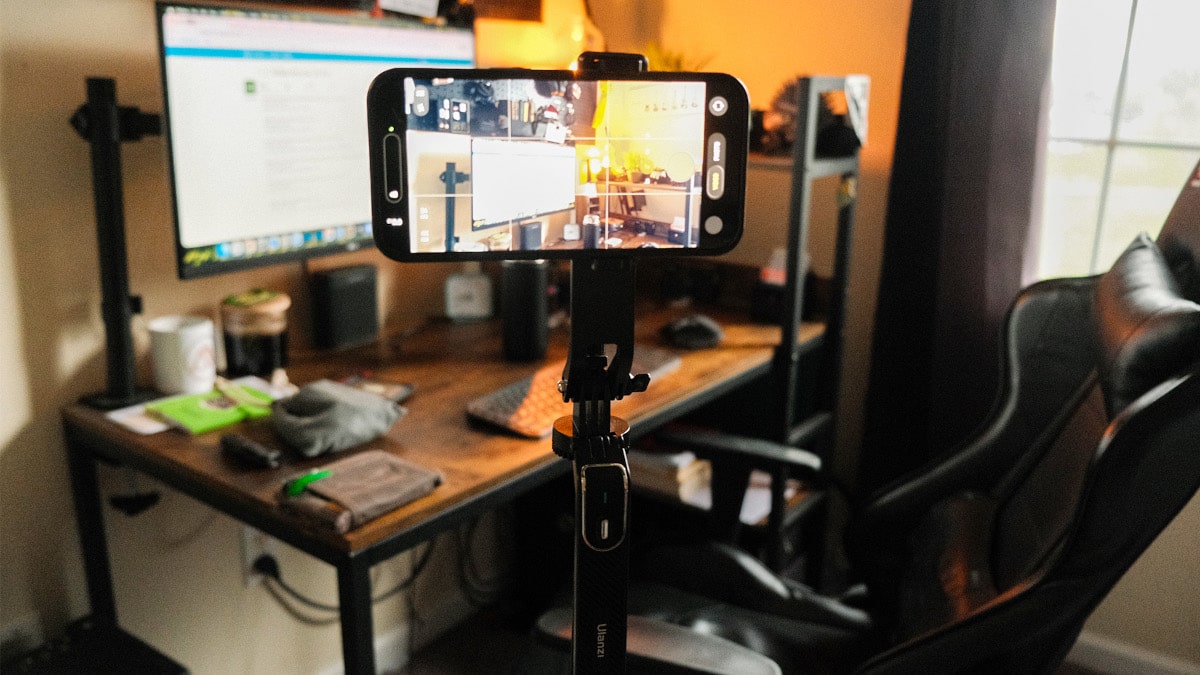
While you don’t have to shoot in RAW format, getting the highest quality means tweaking your phone’s settings:
- Video: Shoot in 4K at 24 or 30 fps (frames per second).
- Photo: Select RAW or the highest quality JPG your phone allows.
Top Video Marketing Tools + Cell Phone Photography Accessories
Once you’ve made the most of your phone’s built-in capabilities, it’s time to consider adding a few content creation tools to your toolkit. Gear can be tricky, and you don’t need it all. The key is to stay intentional. Focus on what your needs are and how different cell phone photography accessories will aid you in storytelling.
The "Starter Kit": Inexpensive Gear Options
Here are a few of the top affordable tools for UGC video marketing and digital marketing for small businesses:
Cell Phone Tripods
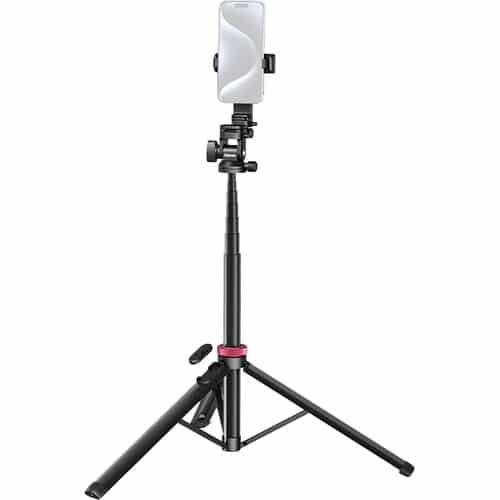
A tripod for cell phone camera is one of the single most useful pieces of equipment you can invest in. Beyond stabilizing your shots, it helps with framing, consistency and hands-free filming, whether you're capturing photo or video. Here is our pick for the best cell phone tripod for quality and affordability. This cell phone camera tripod easily shifts between handheld and stationary use, offers flexible height and angles, and includes a built-in remote, making it a practical, reliable tool for small teams creating content on the go.
External Microphones
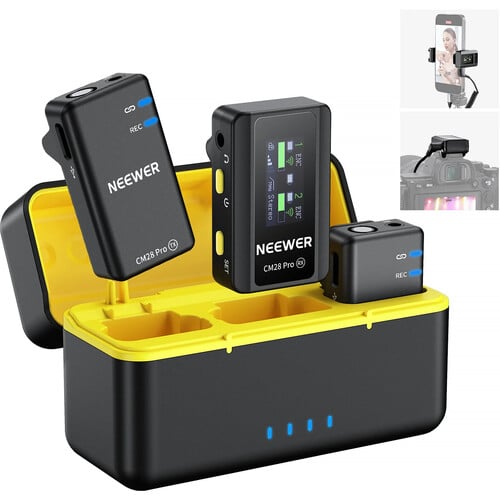
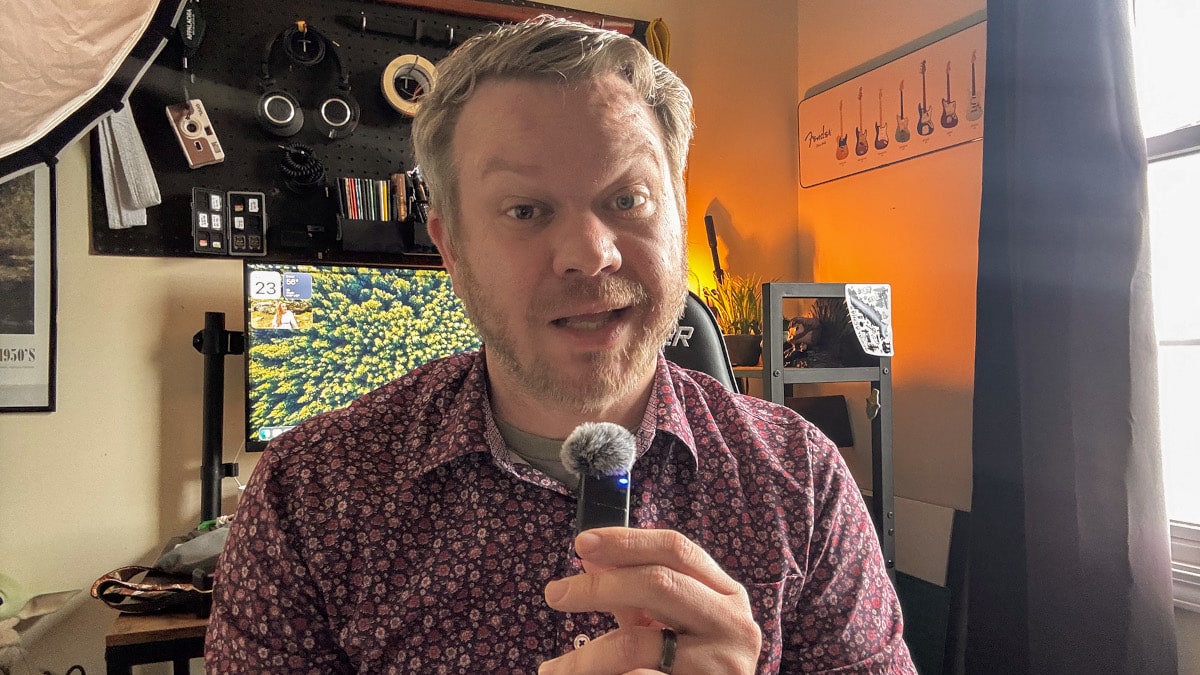
If you’re recording any type of video that includes audio, an iPhone external microphone matters. And you have a ton of options. A wireless lapel mic (a clip-on mic) is great for recording far away or moving voices, especially during interviews. A shotgun mic can capture sounds directly in front of the camera.
Pro tip: Viewers will click off a video with poor audio before they will click off a video with less-than-perfect filming. Invest in sound quality!
Additional Lighting
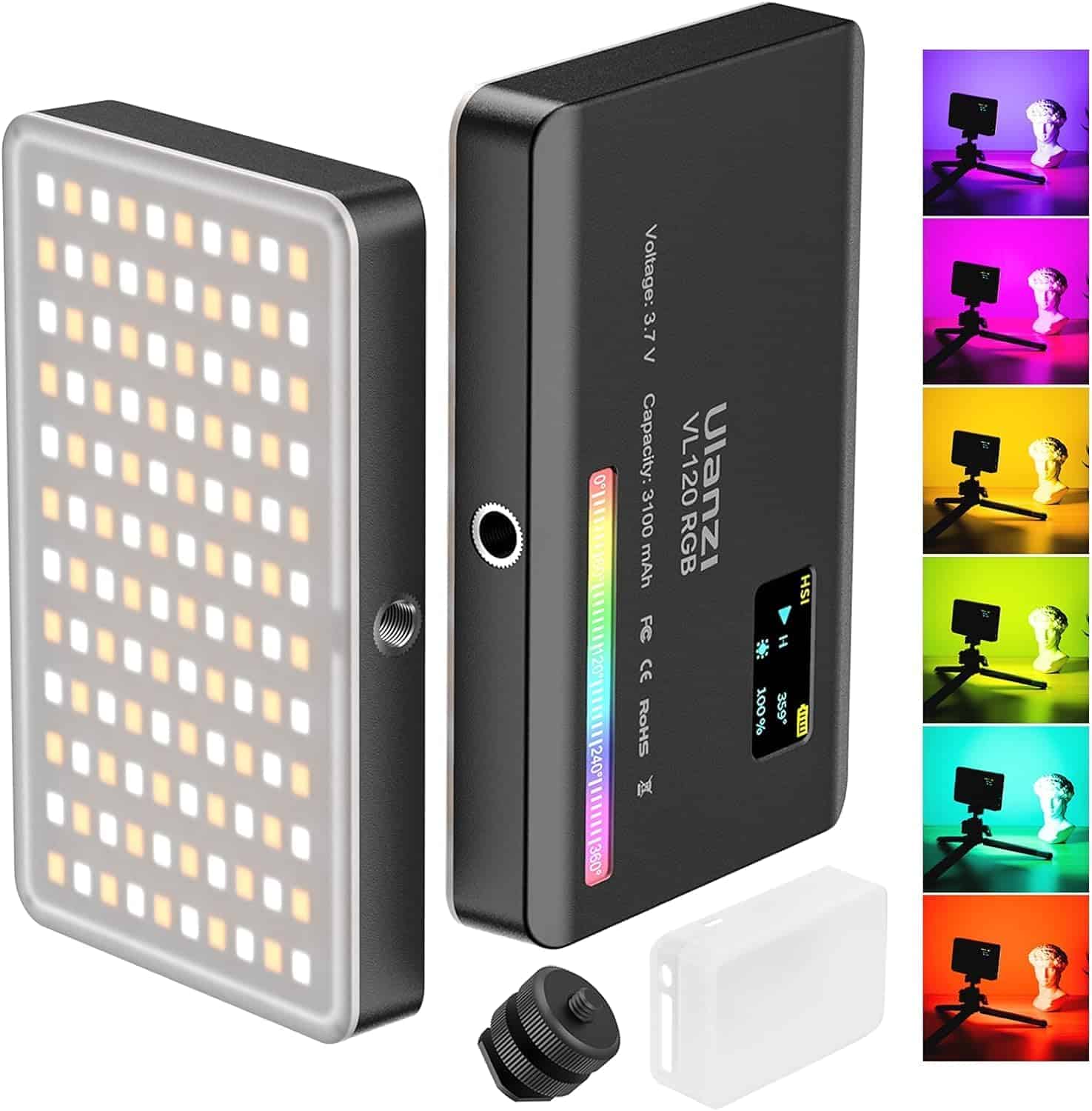
Natural light is best, but unfortunately it’s not always available. In a pinch, simple DIY photography lighting tools like a ring light with stand or even a small RGB light can make a noticeable difference in getting that perfect shot.
These content creation tips and tools are designed to remove the friction between having a great idea and sharing it with your audience. As you continue to build your marketing toolkit, remember that consistency matters just as much as quality. With these inexpensive tools and a solid grasp of lighting and composition, your team is well-equipped to produce high-impact visual content that connects and delivers impact whenever inspiration strikes.
For more marketing tips from Letterpress, subscribe to our newsletter and follow us on social media.